Administration and settings
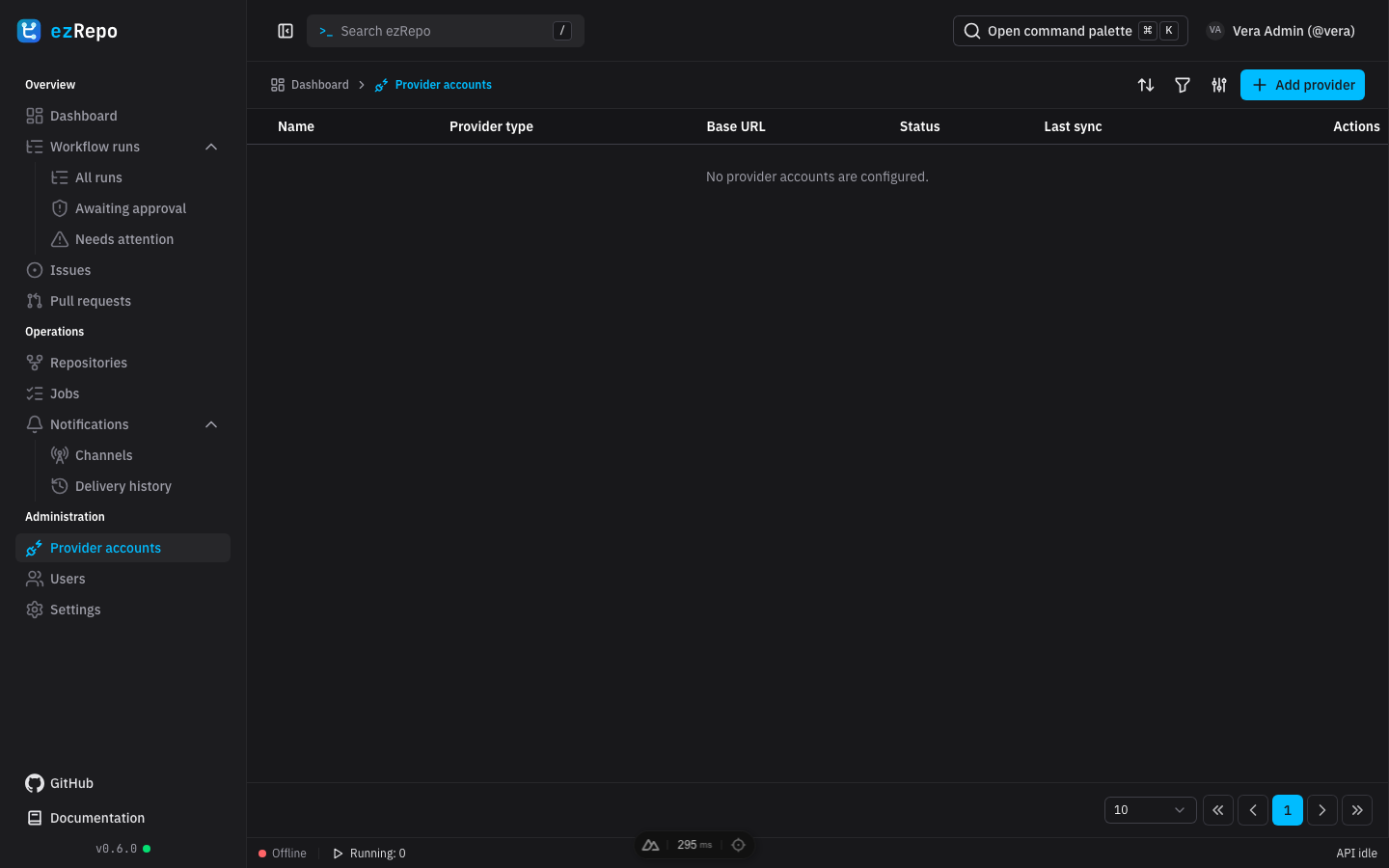
Provider accounts
System administrators use Provider accounts to create, enable, disable, or delete read-only connections. To add an account, choose GitHub, GitLab, Forgejo, or Gitea, provide a recognizable name, and select an available OAuth flow or paste a personal access token. Self-hosted services require the correct base URL; Gitea always requires one.
Verify and add provider validates personal-token credentials before storing them. Connect provider redirects to the provider-controlled OAuth consent screen and returns to ezRepo afterward. Credentials are encrypted at rest and are never shown in tables, errors, or logs. Use only the documented read scopes.
Disabling an account pauses its participation without removing configuration. Deleting one can also remove dependent tracked data, so confirm that the account is no longer required. See Provider OAuth setup and Repository webhook setup for provider-side configuration.
Repository webhook secrets and callback status are managed per tracked repository from the repository details dialog. There is no provider-account-level webhook configuration.
Users, roles, and repository access
Use Users to review account names, roles, and timestamps, or to remove an account. Assign Viewer, Manager, or System Administrator according to the access model in Getting started. Repository access for non-administrators is granted separately from the repository details dialog; a global Manager needs a Manager membership before managing that repository's notification configuration.
User rows also provide administrator access to that user's MCP tokens. Removing a user revokes application access but does not change accounts or permissions at any provider.
Personal and system settings
Every user can open Settings from the user menu to update personal details, upload or import a profile picture, change the password, create MCP access tokens, and select language or appearance. Usernames must be unique; changing one requires the current password. A password change signs out other sessions.
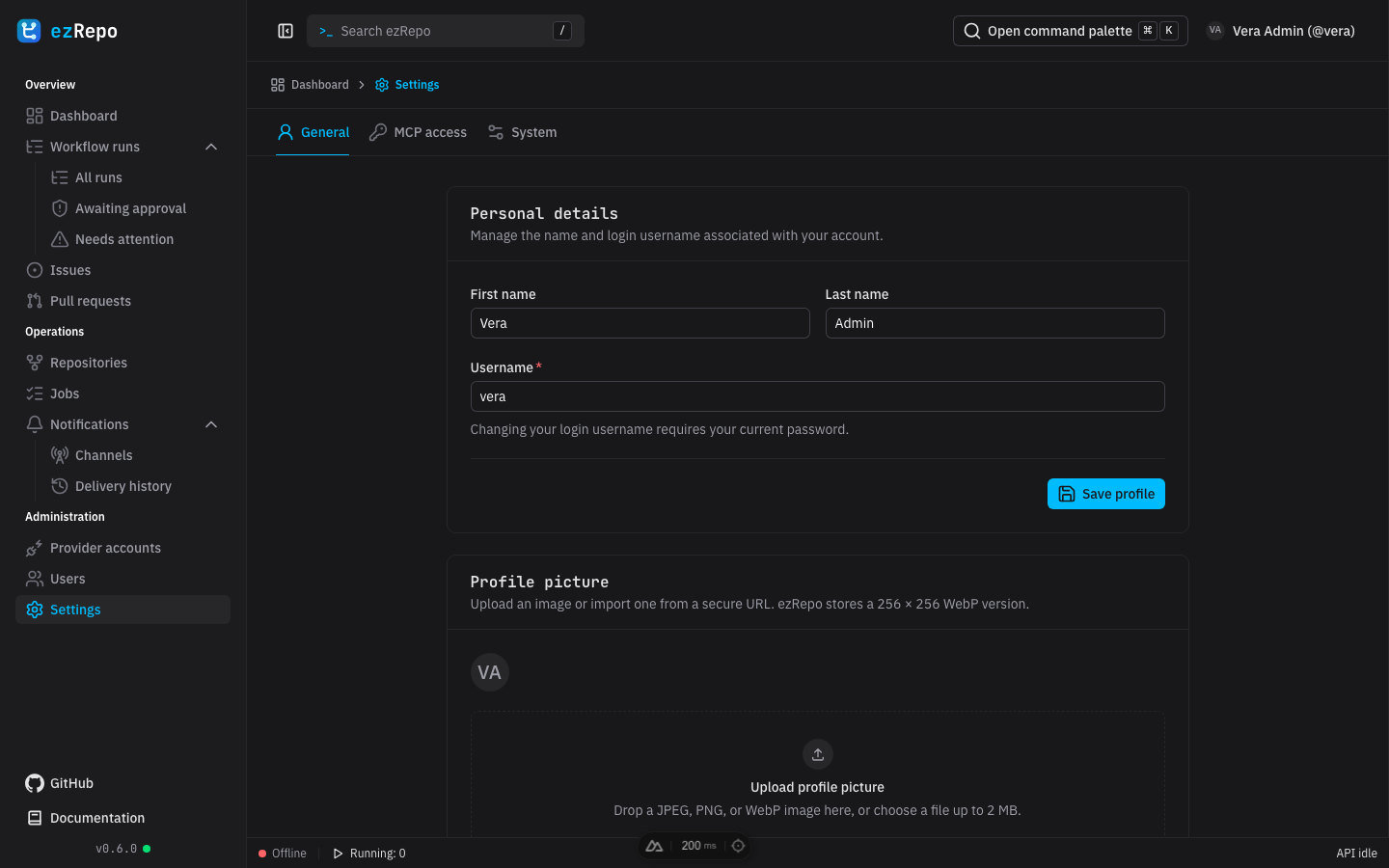
System administrators additionally set the global workflow-run retention period and default date/time format. A repository-specific retention value overrides the global value. The preview shows the chosen timestamp format before it is saved.
MCP access
MCP access tokens are shown only once at creation. Copy each token directly into a secret manager, give it a descriptive name and optional expiration, and revoke it when it is no longer needed. MCP tools inherit the owning user's current repository permissions and remain read-only. See MCP access for client configuration and tool behavior.
If an administration page fails to load, retry after checking API status. Persistent provider or synchronization errors should be investigated in Repository synchronization jobs. Deployment, backup, restore, and rollback procedures remain in Deployment.