Repository synchronization jobs
Open Jobs in the Operations section to inspect synchronization work for every enabled repository you can access. The summary shows running, waiting, failed, and idle jobs. The table identifies the repository, provider, synchronized domains, current phase, item progress, attempt, and most recent safe error message.
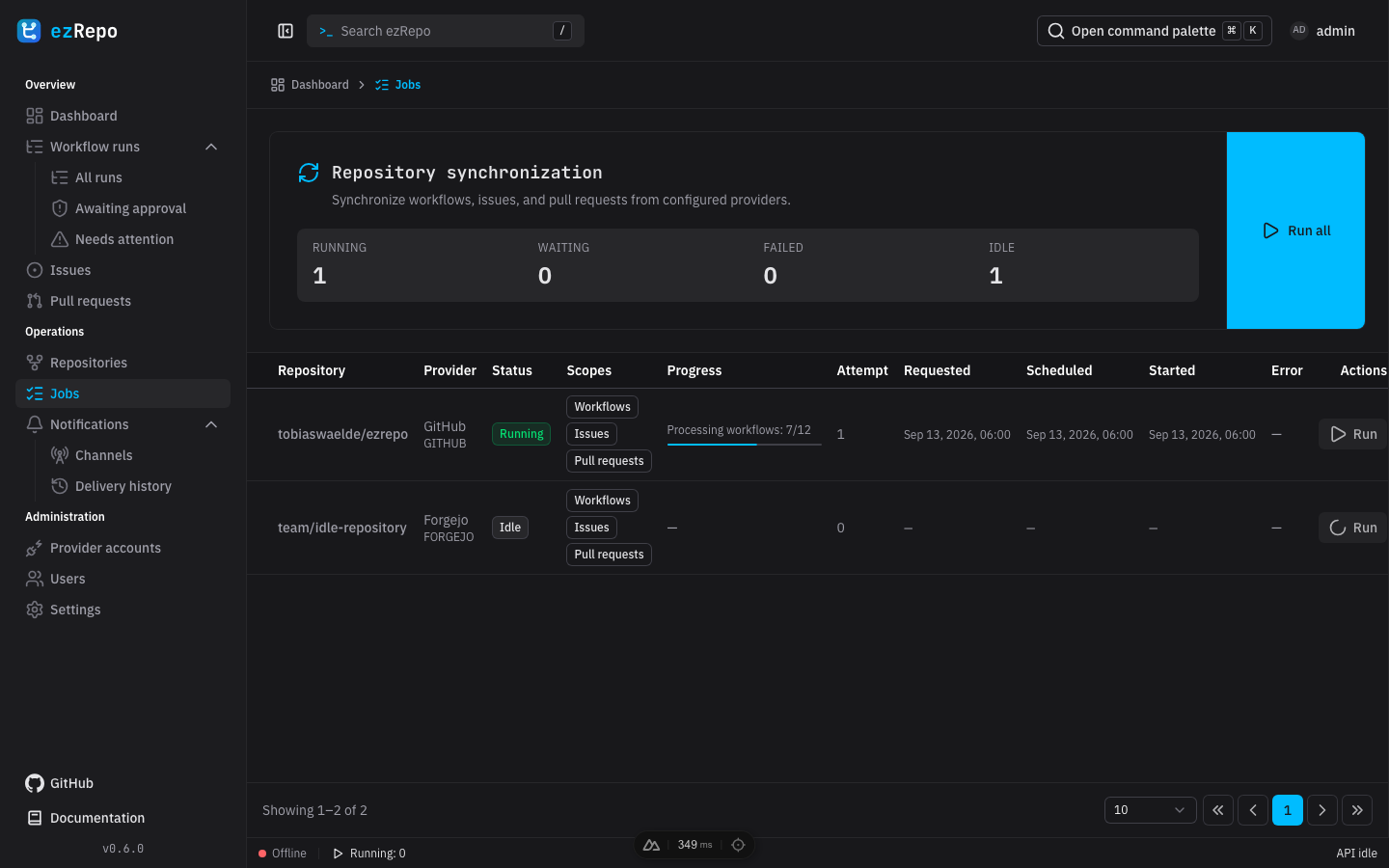
Read job state
- Idle means no synchronization is queued or running for the repository.
- Pending means the durable request is waiting for its scheduled time or an available worker.
- Running shows the active phase and item progress when the provider reports a measurable total.
- Failed retains a safe error summary and attempt count until the repository is queued again.
- Warning means other scopes completed while one or more security-alert kinds were unavailable.
The scopes column identifies whether the job reads workflows, issues, pull requests, security alerts, or a combination. A waiting time can reflect webhook coalescing, retry backoff, or provider rate-limit instructions; repeatedly refreshing the page does not move the scheduled time forward.
Start or retry synchronization
A system administrator can start every currently idle or failed job with Run all, or use Run or Retry on one repository row. Jobs that are already pending or running are not queued again. The initiating button remains in its loading state until the request completes; then follow the row as it moves through pending, running, and idle or failed.
Manual jobs use the same durable, read-only provider synchronization queue as scheduled reconciliation and verified webhooks. They retrieve provider data but cannot modify repositories, workflows, issues, or pull requests.
Successful jobs return to Idle and are not retained as execution history. Failed jobs remain visible until a later webhook, reconciliation cycle, or manual retry queues them again. If a retry continues to fail, verify the provider account, read scopes, base URL, and rate-limit state in Administration and settings before retrying.