Repositories and notifications
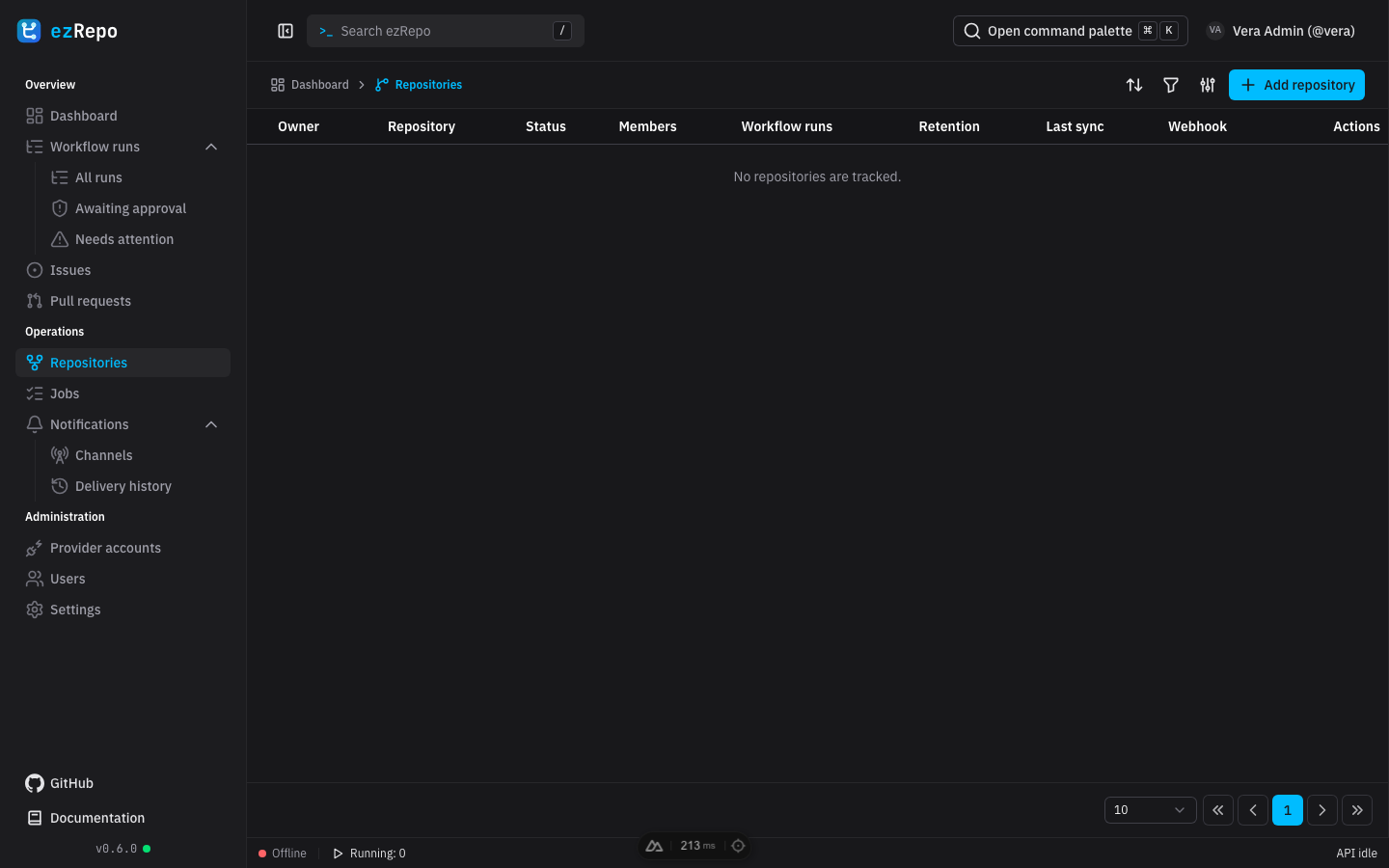
Browse tracked repositories
The repository table contains only repositories visible to the signed-in user. Search, filter by enabled state, sort the table, or choose visible columns to compare owner, member count, retained workflow runs, retention, and last successful synchronization. Open the external action to visit the provider without changing anything through ezRepo.
Open a repository row to inspect its state, retention override, and last synchronization. Viewers and managers see the read-only summary for assigned repositories. System administrators can also enable or disable tracking, refresh provider-owned metadata, queue an immediate workflow read, and save a repository-specific retention period. Leaving the retention field empty restores the global default.
Configure repositories
System administrators add repositories in two steps: select an enabled provider account, then search and select one or more repositories returned by that provider's read-only repository list. Already tracked repositories cannot be added again. A provider account must pass credential verification before its repositories can be selected; tokens remain encrypted on the server and are never displayed again.
Repository details also contain workflow filters and memberships for system administrators. Allow and Deny glob patterns decide which provider workflows are synchronized, with deny rules taking precedence. Memberships grant a user Viewer or Manager access to that repository. The global application role and the repository membership must both permit an operation; membership never grants provider-side write access.
Disabling a repository stops it from participating in synchronization without deleting its retained data. If the table is empty, check provider configuration, repository enablement, and the current user's memberships.
Review notifications
Open Notifications to review visible repository channels, rules, and delivery history.
- Channels show the friendly name, safe URL scheme metadata, and whether delivery is enabled.
- Rules show the workflow glob and terminal outcome that triggers delivery.
- Delivery history shows the final status and number of persisted attempts without exposing credentials.
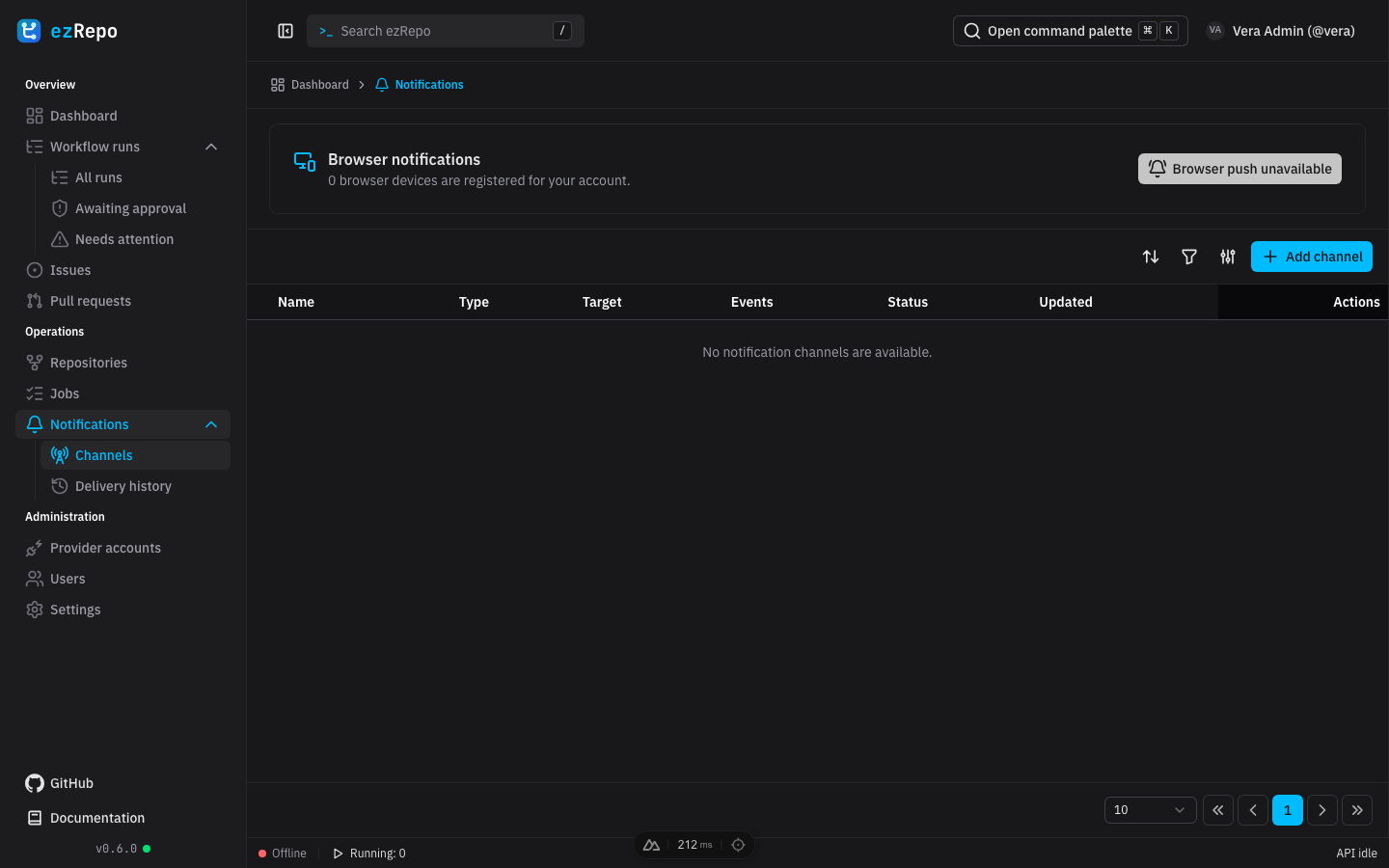
Notification configuration requires Manager access to the repository or system-administrator access. The current web page is an overview; authorized configuration uses the protected API. Store an Apprise URL only in ezRepo. It is write-only, encrypted at rest, and never returned to the browser after saving. See Notification configuration for supported channel behavior and migration guidance.
Use Refresh after changing configuration or resolving a delivery problem. A channel marked Requires reconfiguration retains its rules and history but cannot deliver until an authorized manager supplies a replacement Apprise URL and enables it.