
Components
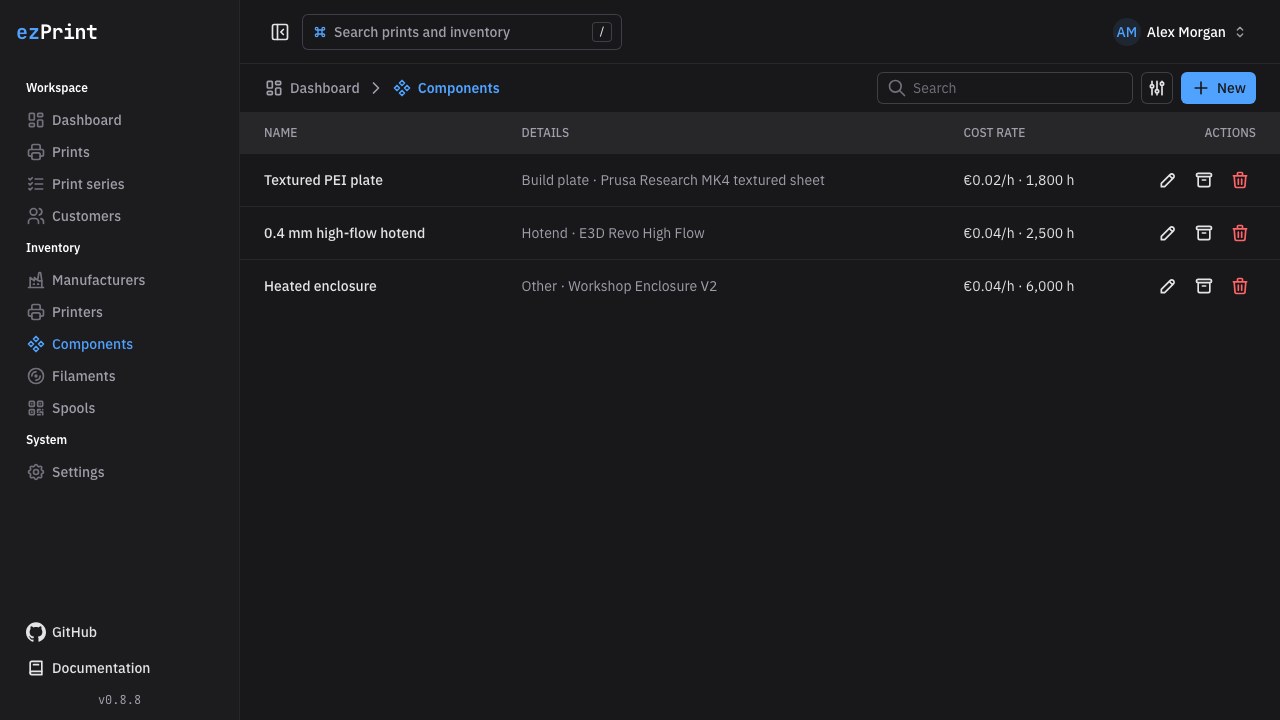
Components at /components represent reusable wear parts. A component is selectable only for printers assigned in Compatible printers.
Fields
Name, purchase price, and expected lifetime are required. Manufacturer, model, and note are optional. Select a manufacturer from the shared manufacturer inventory. Purchase price must be zero or greater; lifetime must be greater than zero. The displayed hourly rate is purchase price / expected lifetime hours.
Enable Always used to preselect the component whenever a compatible printer is chosen for a new print. The suggested selection remains editable in the print form. If multiple build plates are marked, the first listed compatible build plate is selected because a print can use only one.
Choose one type:
- Build plate: exactly one is required per print; its hourly rate applies to the total print duration.
- Hotend: at least one is required. Each selected hotend has its own hours and minutes, and its cost uses only that duration. Multiple hotend durations are added to obtain total print duration.
- Other: optional auxiliary wear parts. Each selected part's hourly rate applies to total print duration.
Compatibility and lifecycle
The multi-select Compatible printers controls which printer drafts can use the component. If you change the printer in a draft, the editor replaces the build plate, hotends, and other components with that printer's always-used defaults so incompatible selections cannot remain hidden in the form.
Use the shared search, create, edit, archive, restore, and safe-delete actions. Archiving hides a component from new drafts but preserves its saved usage lines and costs in existing records.