
Settings
The Settings page uses linked General, Calculation, Features, and Backup tabs. Each tab has its own URL, so browser navigation and direct links preserve the selected settings area.
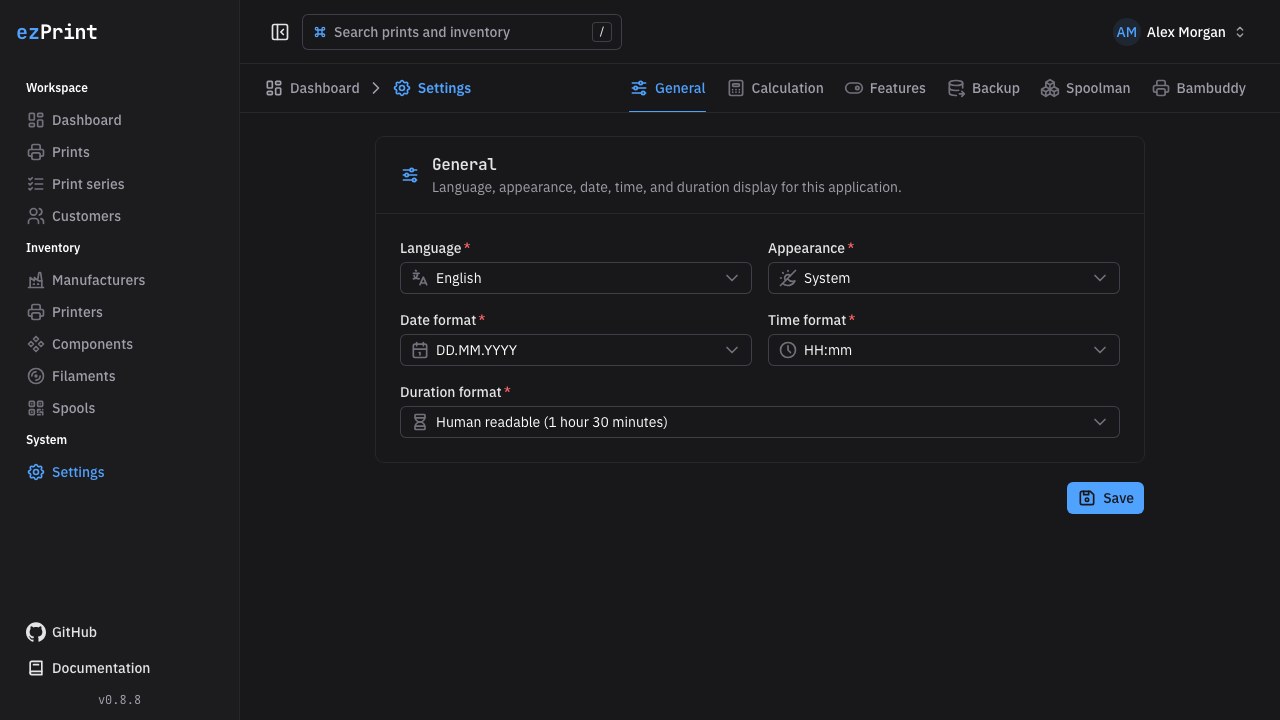
General
- Language: German or US English. Saving updates the instance default and the signed-in account's preference. The user menu provides the same account-level shortcut.
- Appearance: Light, Dark, or System. This browser-local preference changes immediately after saving.
- Date format: choose
DD.MM.YYYY,MM/DD/YYYY,YYYY-MM-DD, or a localized abbreviated month. - Time format: choose 24-hour time, 12-hour time with AM/PM, or 24-hour time including seconds.
- Duration format: choose human-readable words, compact units, a digital clock, or decimal hours. These browser-local preferences are applied centrally with Day.js to timestamps and print durations throughout the application.
Calculation
- Currency:
EUR,USD,CHF, orGBP. It applies to the whole instance and becomes locked after the first cost-bearing record exists. - Electricity price per kWh: a nonnegative decimal used for new previews, saved drafts, duplicates, and completion recalculation. Existing completed snapshots keep their original electricity rate.
Features
The Features tab controls optional instance-wide modules and their integrations. Both modules are enabled by default, and disabling them never deletes existing records.
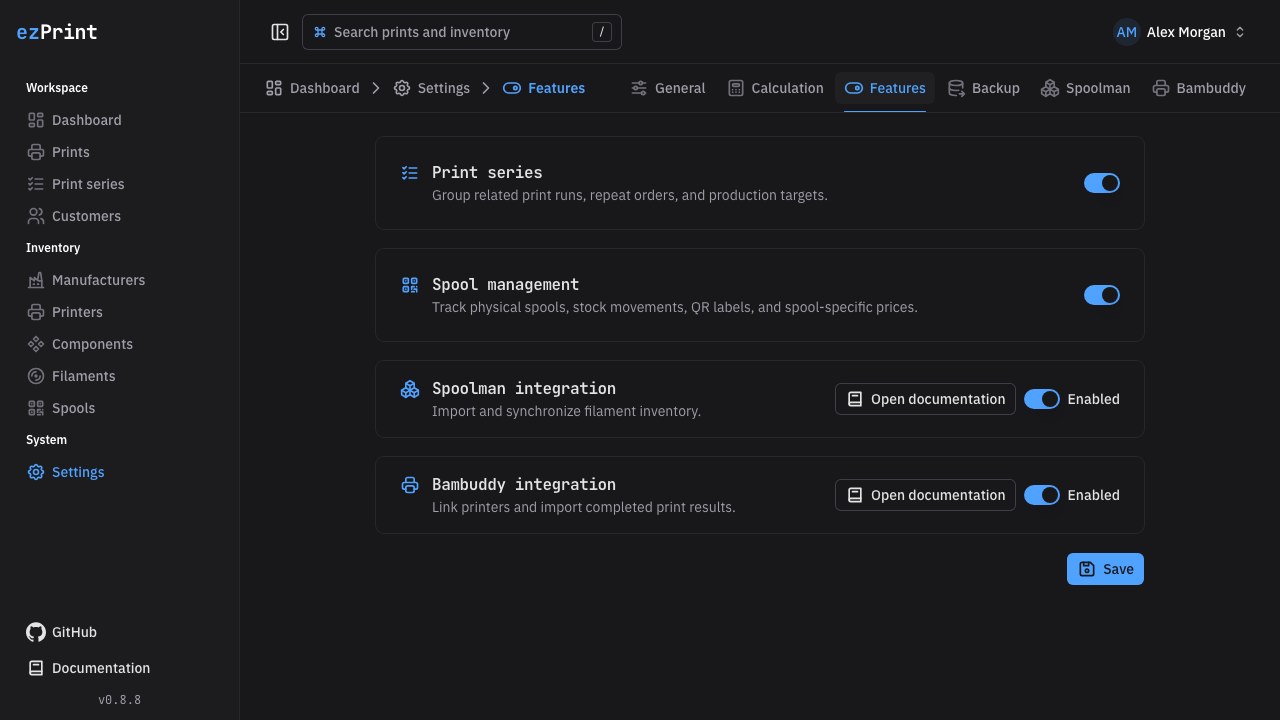
- Print series: hides series navigation, search, filters, and assignment controls. Direct series pages and API operations are unavailable. Existing print assignments remain stored and appear as plain text.
- Spool management: hides spool navigation, stock controls, QR labels, and spool selection. New calculations use the filament purchase price and net weight without booking stock. Existing spool data remains stored. Disabling it also disables Spoolman; Bambuddy result imports remain available without tray mapping.
Re-enabling spool management creates one opening spool for every active filament that has no active spool.
The Spoolman integration and Bambuddy integration cards belong to the same feature list and link directly to their respective documentation sections. Enabling either integration adds a dedicated Spoolman or Bambuddy settings tab for its connection details and operational tools. Disabling spool management also disables Spoolman while retaining its URL and credential; re-enable Spoolman explicitly after restoring spool management. Bambuddy printer and result workflows remain available, while tray-to-spool mapping is hidden. Connection tools stay within the Features tab; they do not add separate pages or sidebar entries. See Spoolman and Bambuddy for setup, ownership, and reconciliation details.
Select Save once to persist all feature flags. The Spoolman and Bambuddy tabs each have one Save action for their connection settings. A success message confirms each update; validation errors are shown without discarding the entered values.
Backup
Open Settings → Backup to download a complete, logically versioned .ezprint-backup archive. The archive is not encrypted and includes account password hashes, integration credentials, settings, inventory, prints, and immutable snapshots. Sessions and database migration internals are intentionally excluded. Store it encrypted and outside the ezPrint host.
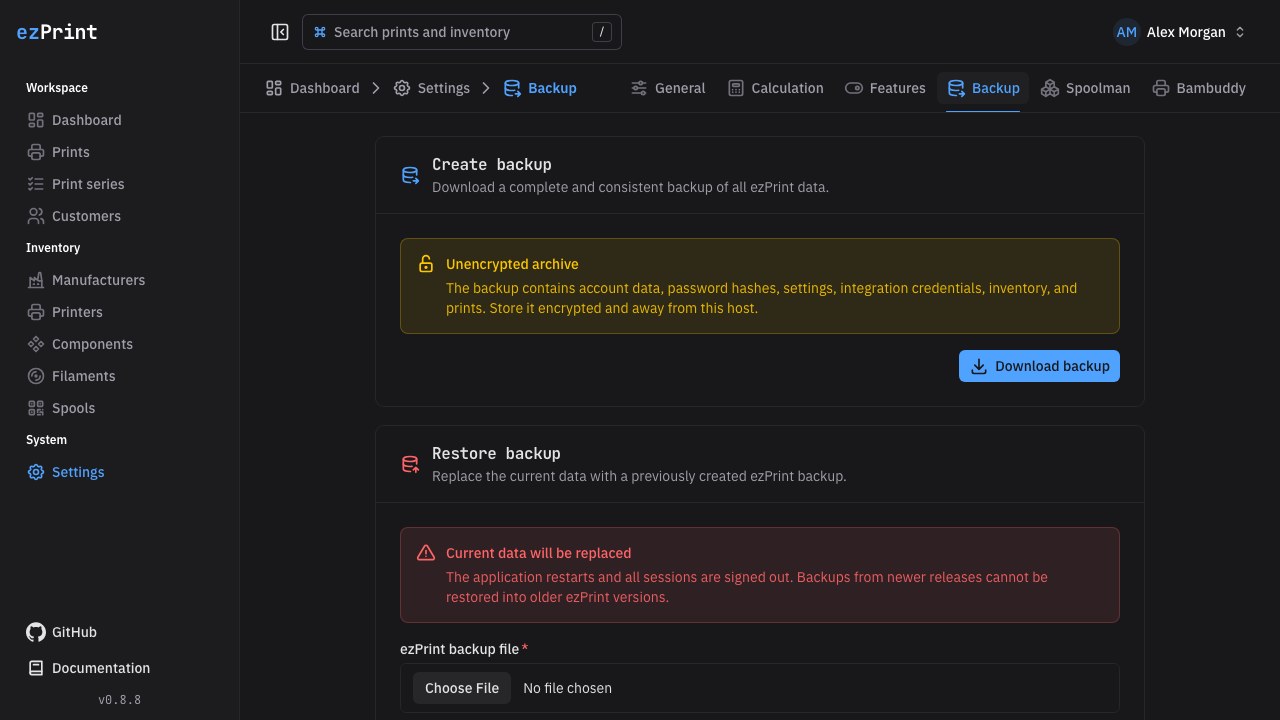
Restoring requires the current account password and a versioned ezPrint backup. The restore is staged safely, the service restarts, creates the current database schema, and imports the logical data. All sessions are invalidated. If schema migration or import fails, ezPrint automatically returns to the previous database.