
Printers
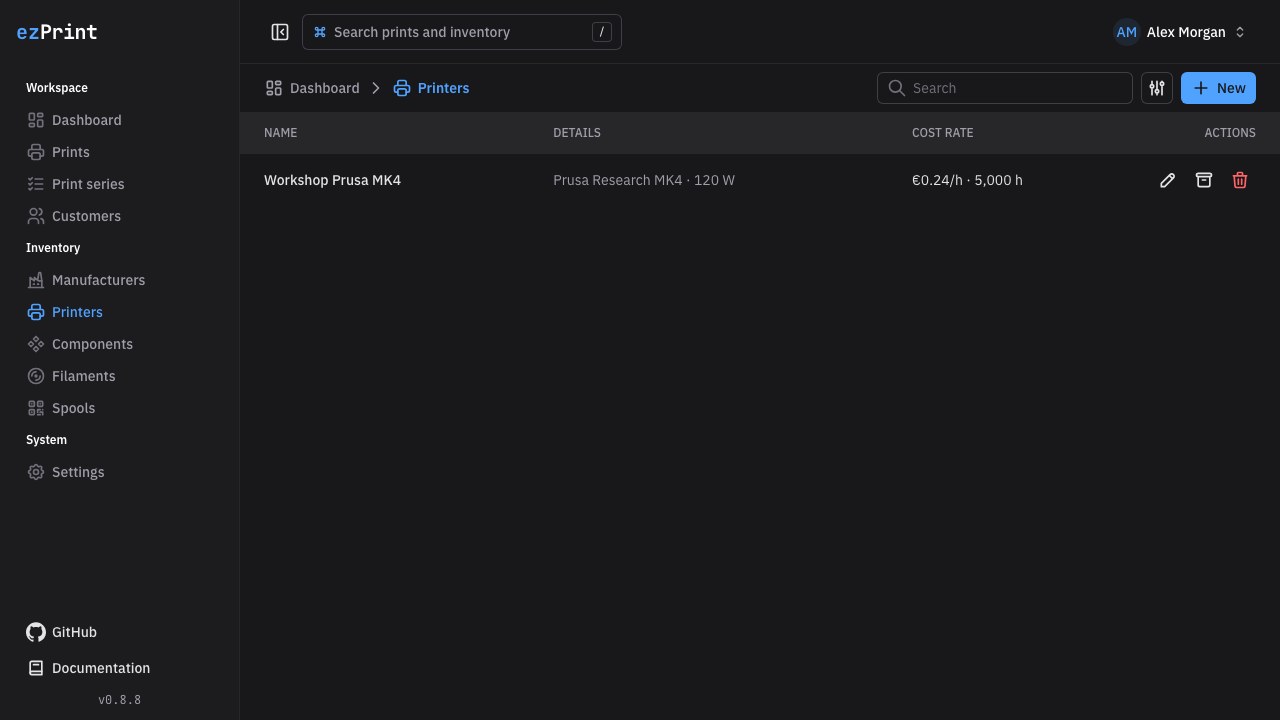
Printers at /printers supply the machine wear rate and electrical load for a print.
Fields and derived rate
| Field | Requirement | Calculation role |
|---|---|---|
| Name | Required | Printer label in selectors and completed snapshots |
| Manufacturer | Required | Shared manufacturer selected from the inventory |
| Model | Optional | Descriptive and searchable metadata |
| Purchase price | Required, zero or greater | Numerator of the machine wear rate |
| Expected lifetime (hours) | Required, greater than zero | Divisor of the machine wear rate |
| Average power (watts) | Required, zero or greater integer | Electricity-cost input |
| Note | Optional | Maintenance or internal context |
The form and table display purchase price / expected lifetime as Cost per hour. During a print, that rate is multiplied by total hotend duration. Electricity cost uses total duration, watts converted to kilowatts, and the configured electricity price.
Create manufacturers in the shared manufacturer inventory, then select one when creating or editing a printer. Archived manufacturers cannot be assigned to new or updated printers.
Page functions
Use New, Edit, search, archive, restore, and safe delete as described in the inventory overview. Archiving a printer also removes it from new print drafts. Components must explicitly include a printer in Compatible printers before they appear for it in the print editor.