
Setup and sign-in
First-run setup
The first request to an empty installation redirects to /setup. Enter the following values:
- Display name: shown in the application header and user menu.
- Email: the case-insensitive sign-in identifier for the local account.
- Password: at least 12 characters. The server stores an Argon2 hash, never the plain text value.
- Currency:
EUR,USD,CHF, orGBP; all cost records in the instance use this currency. - Electricity price per kWh: a nonnegative decimal used by every new calculation.
- Print series: controls whether related print runs, repeat orders, and production targets are available.
- Spool management: controls whether physical spools, stock movements, QR labels, and spool-specific prices are available.
- Demo data: optionally creates synthetic inventory, print history, and examples for enabled features.
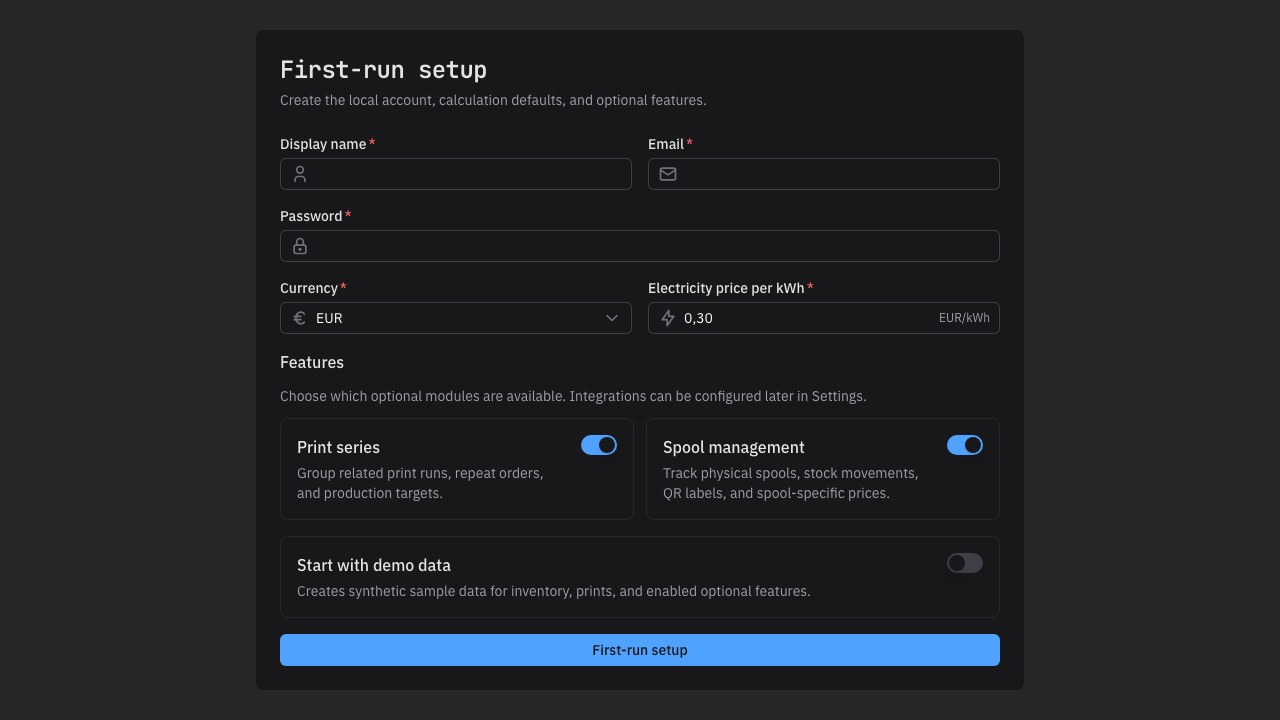
Selecting First-run setup creates the account, application settings, and optional demo data atomically, then signs the account in. Only one setup request can succeed. After initialization, /setup redirects to /login. Both optional features are preselected and can be changed later under Settings → Features. External integrations are not configured during first-run setup; add their server details and credentials later in Settings. Demo data is disabled by default. When selected, it includes series or spool inventory only when the corresponding feature is enabled and uses the currency and electricity price entered in the form.
Choose the currency carefully
The currency can no longer be changed after the first printer, component, filament, or print is created. This prevents existing monetary amounts from being reinterpreted as another currency.
Sign in
Enter the configured email and password at /login. When a protected URL sent you to the sign-in page, a successful sign-in returns you to that URL. Invalid credentials show a generic error and do not reveal whether an email exists.
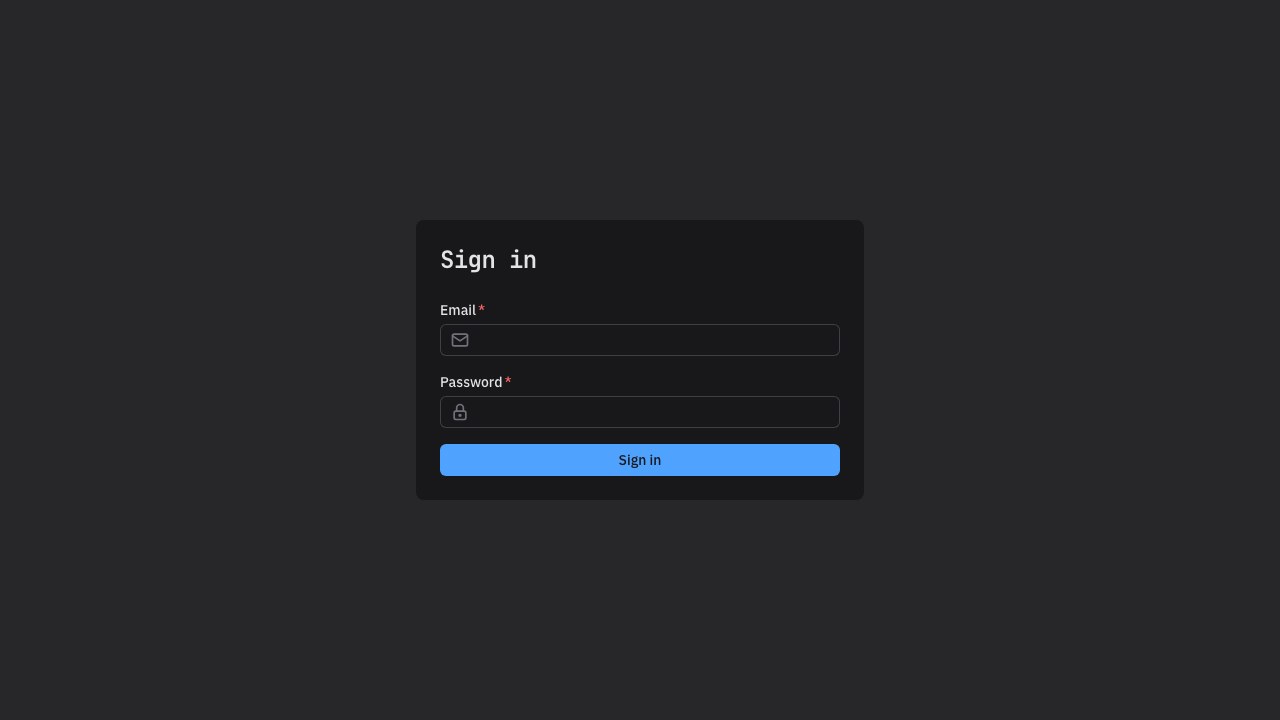
Sessions use an HTTP-only cookie and expire according to NUXT_SESSION_TTL_HOURS. Sign out removes the current session. Language and appearance controls are available in the user menu.
Reset a password
There is intentionally no email-based reset. An operator can reset the password inside the running container:
docker compose exec app pnpm db:reset-password operator@example.test 'new-long-password'The command invalidates every existing session for that account. Avoid placing a production password in shell history; use the host's interactive secret facility when possible.
Troubleshooting access
- If setup reports a validation error, check all required fields, the email format, password length, and decimal syntax.
- If the instance is already initialized, use
/login; setup is intentionally not repeatable. - If credentials fail, verify the email address or perform the local password reset.
- If a signed-in page is empty, create the required inventory before starting a print.