
Series and repeat orders
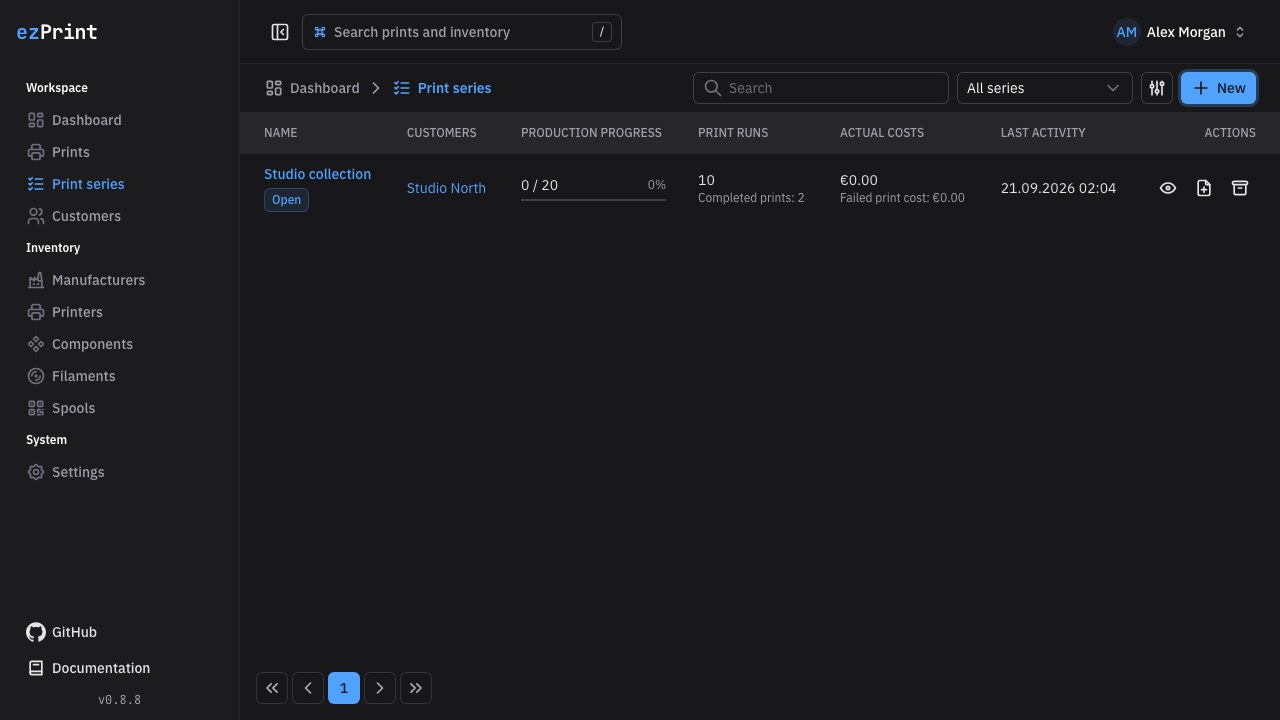
A series groups print runs under a name, optional customer, target quantity, and notes. The Print series table supports search, status filtering, archived entries, and pagination. It shows production progress, run counts, actual and failed costs, and the latest activity. Row actions open the series, start a new print, or archive and restore the series.
Use New to open the creation dialog, then select the series in a new draft or create a print directly from its row or detail page. The customer selector searches its currently loaded entries. A series customer is inherited; conflicting customer assignments are rejected. Prints can also remain independent.
Print series can be disabled under Settings → Features. Series pages and APIs then become unavailable, but existing assignments remain stored and visible as plain text in print history.
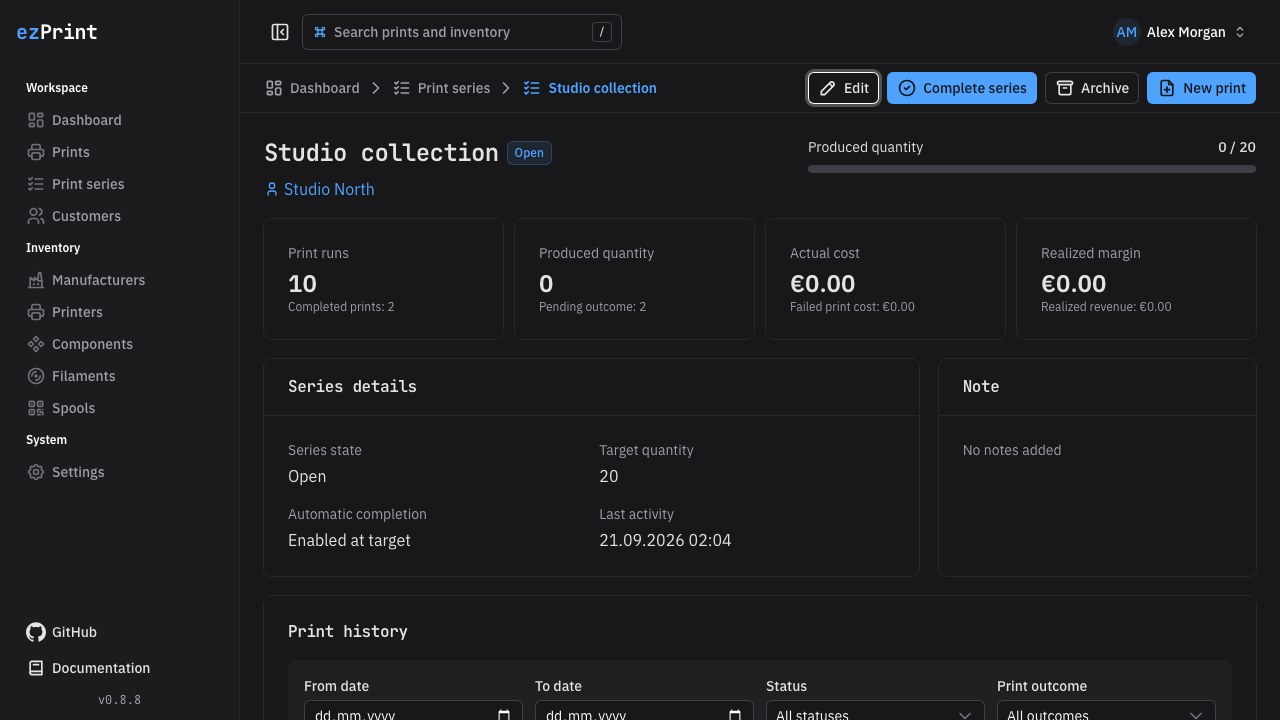
The detail page presents status, target progress, run totals, production totals, actual costs, failed costs, revenue, margin, automation state, notes, and the filterable print history as separate sections. Edit opens the series dialog; completion, reopening, archiving, and creating a print remain explicit page actions.
Only non-archived Done runs with a successful outcome contribute to produced quantity. Failed runs contribute waste costs, pending results remain separate, and drafts and in-progress runs do not count as finished production. A target can automatically complete the series. Manual completion or reopening disables automatic completion until you enable it again in the editor. Archiving preserves the series and its historical runs.
The history supports dates, a searchable printer selector, workflow status, outcome, and archived state. Pagination limits displayed rows; totals cover the entire matching set. Next run copies a member into a draft using current inventory prices. Existing snapshots remain immutable. Duplicates, retries, and repeat orders clear the previous sales value so that it must be confirmed for the new run.
Customer history
Open a customer name to view contact details, the shared print table, and matching cost and revenue totals. The detail toolbar provides breadcrumbs, direct editing, new-print creation, search, and Query Kit filters. Revenue includes only successful, explicitly priced completed prints. Failed print costs are reported separately. Dates refer to completion for completed runs and creation for runs without a completion date; the last-activity value follows the matching records' last update.
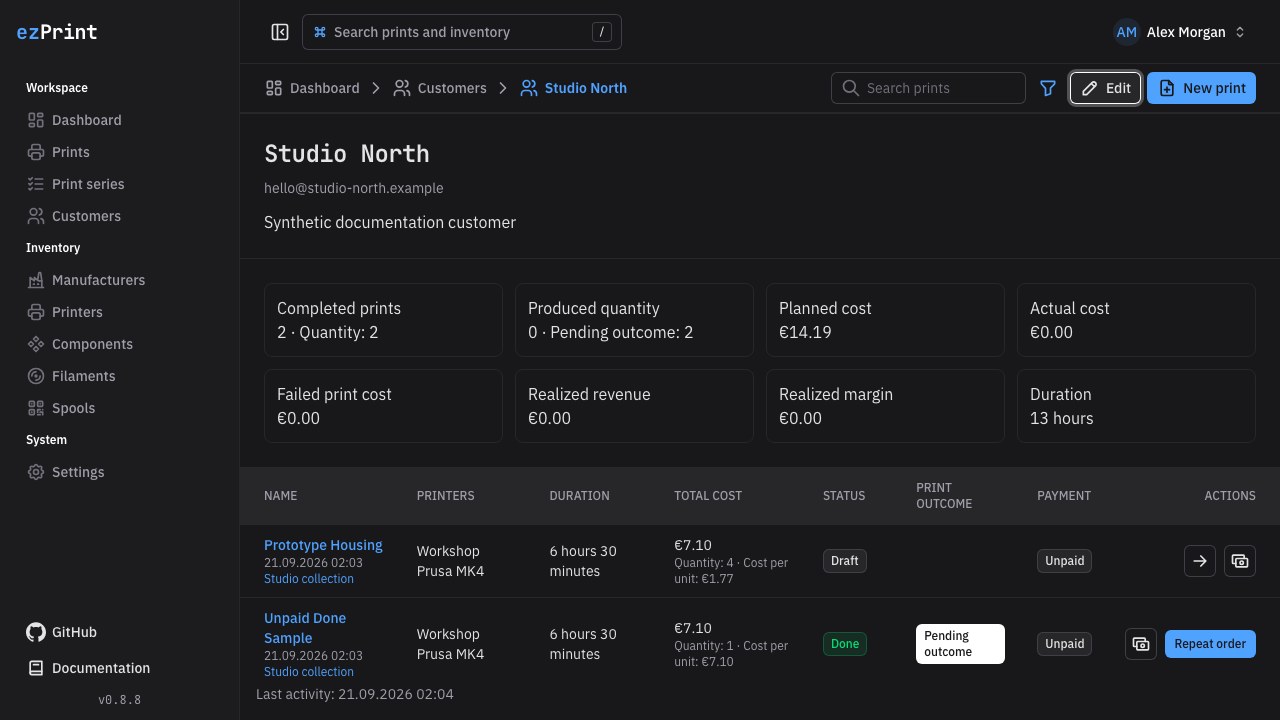
Repeat order creates a draft from a completed non-archived print and records a bidirectional repeat relationship. Retry is reserved for failed outcomes and records a different relationship. Both preserve the requested quantity and use current inventory pricing; unavailable references must be replaced or reactivated. Archived series are not inherited. Links in the print editor distinguish the original order, repeats, and retries.